The Best AI Tools for Freelancers
Discover how today’s AI tools can automate your freelance workflow — from writing and design to coding, project management, and client communication. Learn which tools actually save time and help you earn more.
Introduction
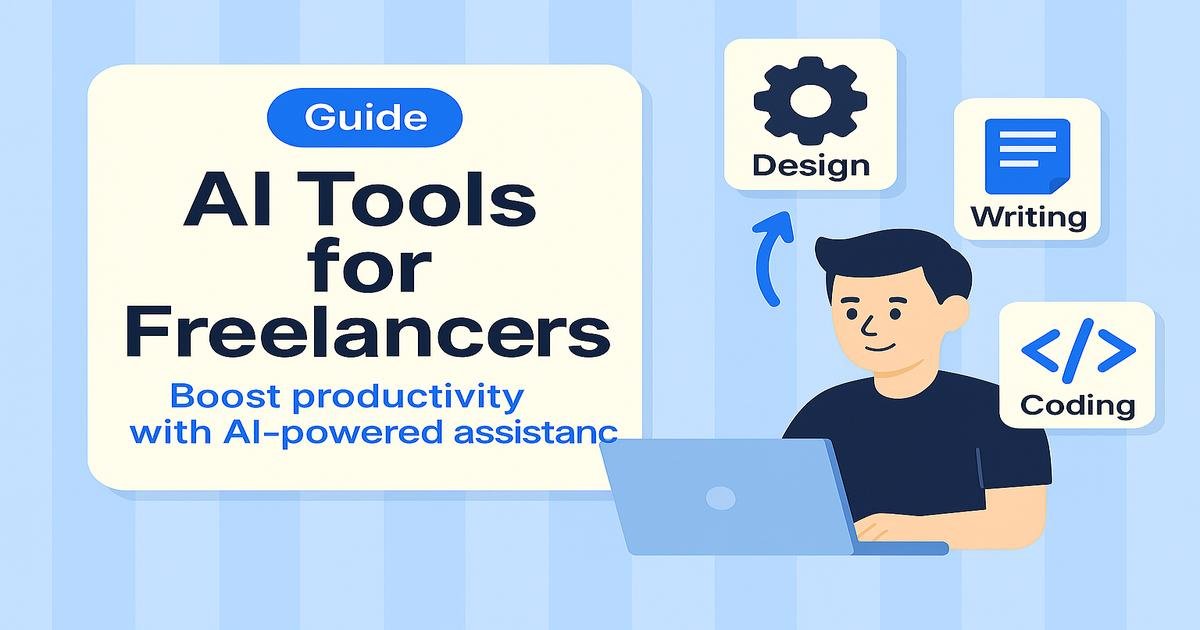
AI isn’t replacing freelancers — it’s helping them earn more in less time. Whether you’re a writer, designer, developer, or marketer, the right AI tools help you automate repetitive work, improve quality, and focus on creativity.
In this guide, we’ll explore the top AI tools that save time, boost output, and give you a competitive advantage in today’s freelance market.
Best AI Workflows for Freelancers
Instead of naming specific tools, focus on what you need AI to do in your business: content drafting & editing, image/video creation, code assistance, research & summaries, meeting notes & transcription, task scheduling, CRM follow-ups, invoice generation, and multi-app automations. Pick any solution that reliably covers these jobs, fits your budget, and protects client data.
- Writing assistants: draft articles, emails, scripts, and proposals; repurpose content; adjust tone and length.
- Design generators: create social graphics, ads, thumbnails; remove backgrounds; auto-resize for platforms.
- Image → brand kits: generate logos, color palettes, icon/favicon sets, and simple brand guides.
- Video repurposers: detect highlights, add captions, and convert long videos into Reels/Shorts/TikToks.
- Website builders: turn prompts into landing pages with forms, basic SEO, and analytics.
- Automation platforms: connect your apps to auto-send invoices, update CRMs, post content, and log tasks.
- Research copilots: summarize sources, extract data, and populate briefs or spreadsheets.
- No-code/low-code copilots: generate snippets, fix bugs, and scaffold simple tools without deep coding.
- Speech & transcription: transcribe meetings, translate audio, and create natural voiceovers.
Workflow Automation with AI
Imagine finishing a project proposal, creating a banner, and scheduling client follow-ups — all while you sleep. That’s what automation brings to freelancing.
- Automate proposals: Use AI templates to write and personalize client pitches in seconds.
- Auto-schedule tasks: Sync projects with AI schedulers that adjust based on workload.
- Smart integrations: Connect Zapier, Notion AI, or Google Workspace with automation rules.
- Billing bots: Generate invoices automatically using client messages or time trackers.
AI for Client Communication
Managing clients can take hours — but AI communication tools make it effortless. From smart inbox filters to voice-to-email summaries, you’ll handle clients faster and more professionally.
- Smart replies: AI drafts responses based on your tone and project context.
- Meeting notes: Tools like Fireflies.ai transcribe and summarize calls automatically.
- Language clarity: Grammarly and DeepL Write ensure your proposals sound confident.
- CRM automation: Auto-tag clients, track invoices, and send follow-ups on time.
Pricing Your Services with AI Help
AI can even help you quote smarter. Pricing analysis tools and freelance rate calculators use market data to suggest fair rates for your niche and region.
- Use AI estimators to track competitors’ prices and client budgets.
- Leverage predictive analytics to forecast project profitability.
- Experiment with AI-driven tiered pricing for different client types.
Final Thoughts
AI tools don’t replace freelancers — they amplify their results. The most successful professionals are the ones who blend creativity with automation. Start with one tool, master it, and let AI become your silent partner in growth.
Key Takeaways
- AI boosts speed, quality, and client satisfaction across all freelance fields.
- Use automation to handle repetitive admin work — focus on creativity.
- Try one tool at a time to build an efficient tech stack.
- Adapt and experiment — freelancing evolves, and AI keeps you ahead.
Next Steps
- Pick one AI tool that fits your workflow and test it for a week.
- Automate one repetitive task — proposals, edits, or invoices.
- Join AI-focused freelance communities to stay ahead of trends.
Pro Tip & Community
👉 Pro Tip: Don’t wait for the “perfect” setup — momentum comes from experimenting.
The sooner you integrate AI, the sooner you’ll see real gains in time and income. 🚀
🔗 Join our Facebook community ❤️
and the StackTricks Hangout group 💬
to share your favorite AI tools and results.