Freelancer Guide: Earn from High-Quality Favicon Design with Free Tools like FavicoLab's Favicon Maker
Discover how freelancers can create and sell professional favicon packages using free online tools like FavicoLab’s Favicon Maker. Learn how to build a side income by delivering high-quality icons that website owners actually need — complete with manifests, Apple-touch icons, and installation guides.
Why Favicon Design Is a Hidden Freelance Niche
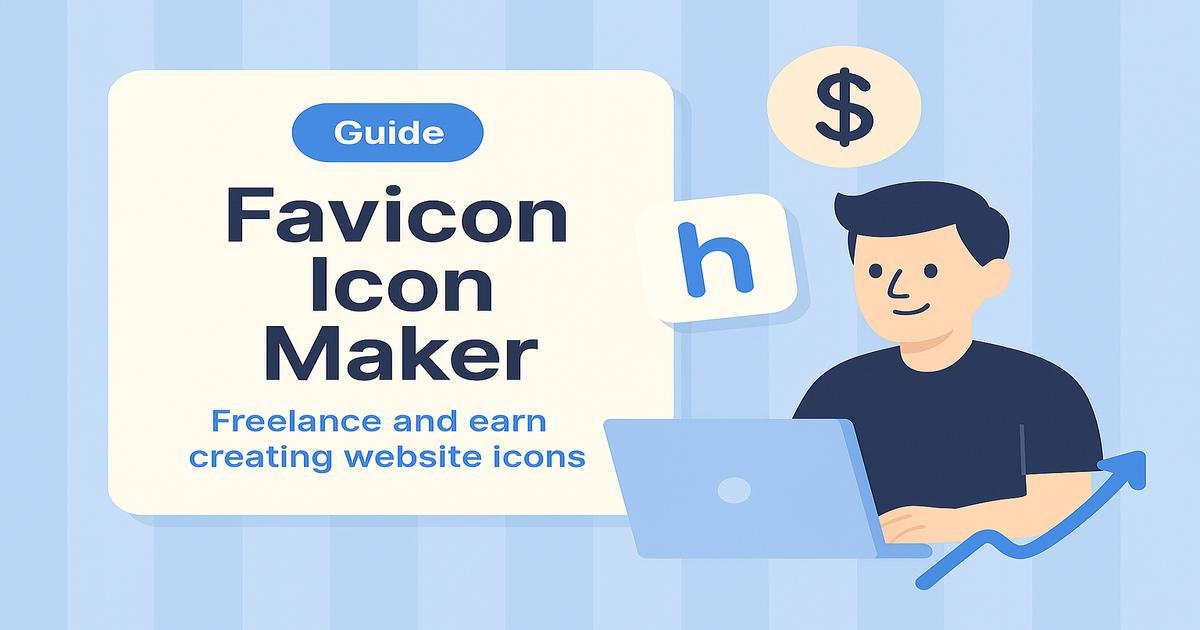
Every website, app, and portfolio needs a favicon — yet most site owners don’t know how to generate one properly. That’s where freelancers step in. With free and simple tools like FavicoLab’s Favicon Maker, you can create professional-quality icon packs and sell them as ready-to-install branding packages.
The magic is twofold: a tool that generates a complete, professional favicon pack and your ability to customize, test, and deliver icons that work across browsers and devices—from Chrome tabs to iPhones and Android PWAs. A solid generator makes life easier when it includes ready-to-implement code snippets (HTML & site.webmanifest) so you can paste and deploy in minutes.
Why Favicons Still Matter in
- Favicons appear on browser tabs, mobile shortcuts, and search results — your client’s brand starts there.
- Professional favicon sets include multiple sizes, maskable icons, and a web manifest for PWA support.
- Many small businesses skip this step, leaving a gap freelancers can fill quickly and affordably.
How to Create Professional Favicons (Step by Step)
- Ask your client for their logo (preferably transparent PNG or SVG).
- Open FavicoLab’s Favicon Maker and upload the file.
- Download the generated ZIP — it includes icons,
site.webmanifest, and a README. - Preview how icons look in browsers and test them with Lighthouse or a favicon checker.
- Customize the manifest (add name, colors, and theme values) for each client.
- Deliver the package as a ZIP with a short installation guide.
How to Sell Favicon Packages as a Freelancer
Here’s how you can turn free tools into paid freelance gigs:
- Offer gigs on papular platforms likeFiverr, or your portfolio site like “I will create and install a professional favicon for your website.”
- Charge $10–$50 per project depending on customization and delivery time.
- Bundle it with extra services like “Favicon installation” or “Dark mode variant.”
- Target small businesses, bloggers, and developers who want a polished, consistent brand presence.
Next Steps (Choose in 10 Minutes)
- Pick your method: ZBB, Envelopes, or Automated.
- Install one app and connect only your main accounts.
- Focus on three key categories first: groceries, eating out, and subscriptions.
Pro Tips to Stand Out
- Offer before-and-after previews to show quality difference.
- Provide light and dark mode icons for modern design systems.
- Validate icons with a free favicon tester and include the report in delivery.
- Customize the
site.webmanifestto include app name and theme colors. - Deliver everything with a simple README and installation snippet.
FAQ: Making Money from Favicon Design
Can I use free tools to sell favicons?
Yes. Free tools like FavicoLab’s Favicon Maker let you create commercial-quality icon sets that you can sell as part of your freelance services.
How much can freelancers earn from this?
Depending on your niche and speed, you can make $10–$50 per project. Once efficient, it’s possible to complete several in a day.
What makes a favicon package “professional”?
A full favicon pack includes multiple icon sizes, a valid manifest file, and compatibility with browsers, iOS, and Android. Delivering all that is what clients pay for.
Do clients really pay for this?
Yes. Clients pay for the time saved, not just the tool used. A well-organized package with instructions feels like a complete professional service.
Key Takeaways
- Favicons are small but essential for brand identity and SEO trust signals.
- You can use free tools like FavicoLab’s Favicon Maker to create professional results.
- Clients pay for completeness, not clicks — so add value through polish, testing, and support.
- Turn every package into a mini-branding product with a manifest, icons, and easy setup guide.
- Start small, deliver fast, and grow your freelance reputation one favicon at a time.
Pro Tip & Community
👉👉 Pro Tip: Don’t wait for the “perfect” idea—momentum comes from taking action.
The sooner you book your first client, the sooner you learn what to scale. 🚀
🔗 Follow us and join our Facebook community ❤️
and the StackTricks Hangout group 💬.
You can discuss anything you want to understand better—we’re here for guidance, and if you need just a little motivation,
we’ll give you that push. Inside our community, you’re never alone. Share your wins, struggles, and thoughts 💡💪