Remote Work Productivity Hacks That Actually Work
Discover proven methods to stay focused, productive, and balanced while working remotely. Learn how to structure your day, use the right tools, and avoid burnout — whether you’re a freelancer, employee, or digital nomad.
Introduction
Remote work is now a lifestyle, not just a trend. Whether you’re freelancing, managing a team, or working hybrid, staying productive without burning out requires strategy — not luck. The key lies in managing your time, your energy, and your environment effectively.
Let’s explore practical productivity hacks that work in real life — combining tech tools, mindset tweaks, and environment optimization.
Time Management Tools
The foundation of remote productivity is structure. Without a manager watching the clock, tools can help you track, prioritize, and protect your focus time.
- Clockify or Toggl: Track hours spent on projects and see where your time leaks.
- Todoist or TickTick: Break tasks into priorities using daily goals and reminders.
- Google Calendar: Block out “deep work” time and sync with all devices.
- Notion or ClickUp: Manage all projects in one workspace — from goals to deadlines.
- Pomofocus: Free web-based Pomodoro timer for 25-minute focused sprints.
Focus Techniques
Productivity isn’t about doing more — it’s about doing what matters without distractions. Here are mental and practical techniques to boost focus:
- Time blocking: Dedicate chunks of your day to specific types of work (e.g., writing 9–11 AM).
- 2-minute rule: If a task takes less than two minutes, do it immediately.
- Pomodoro method: 25 minutes of work followed by a 5-minute break to maintain rhythm.
- Task batching: Group similar tasks (like emails or admin) into a single session.
- Noise control: Try ambient sounds or noise-cancelling headphones to block background distractions.
Workspace Setup
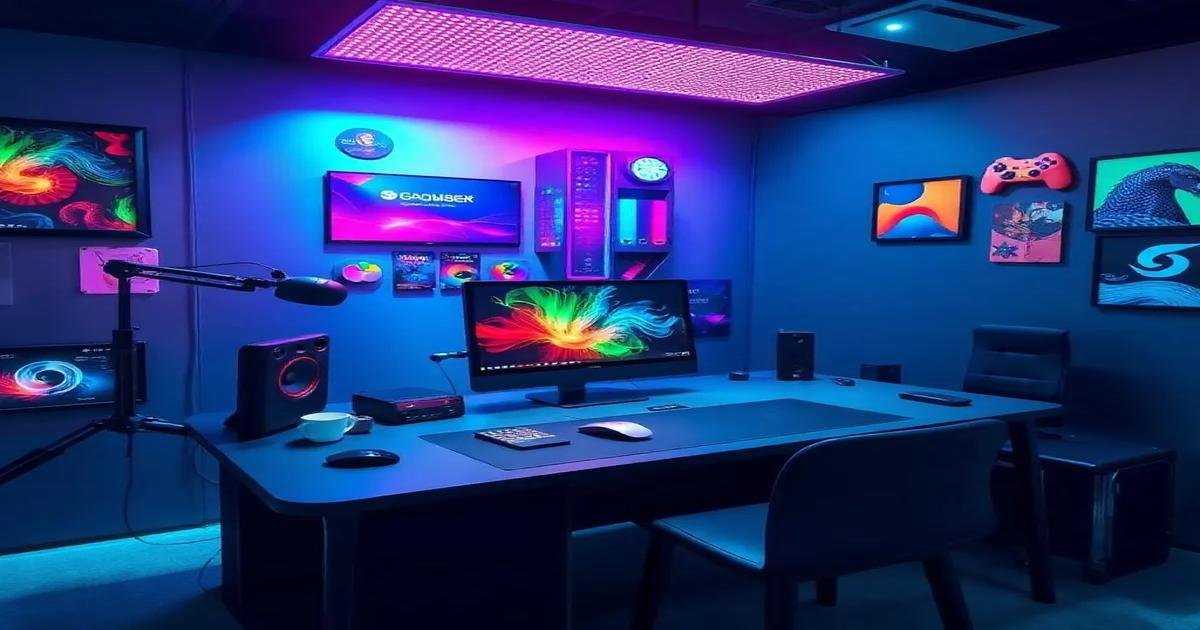
A cluttered space equals a cluttered mind. Optimizing your physical and digital workspace dramatically impacts focus and motivation.
- Dedicated zone: Even a small desk corner helps create a “work mode” boundary.
- Ergonomic comfort: Use a chair with lumbar support and raise your screen to eye level.
- Lighting: Natural light improves mood and focus — add a warm desk lamp if needed.
- Minimal setup: Keep your workspace clean — no visual clutter, only essentials.
- Digital declutter: Organize files, use clean wallpapers, and limit desktop shortcuts.
Managing Distractions
Working from home comes with endless distractions — from phone notifications to household chores. The goal is to control them, not eliminate them.
- Phone control: Turn on “Do Not Disturb” or leave your phone in another room.
- Set signals: Use noise or a closed door to indicate “focus time” to others.
- Work in bursts: Alternate deep focus with short breaks to reduce burnout.
- Plan downtime: Schedule leisure time — guilt-free rest boosts creativity.
Work-Life Balance
The hardest part of remote work isn’t productivity — it’s switching off. Without clear separation, burnout creeps in silently. Balance starts with habits:
- Define “off hours”: Shut down work apps and laptop notifications after hours.
- Micro-breaks: Take short walks, stretch, or step outside between meetings.
- End-of-day ritual: Write a mini reflection — what was done, what’s next — then disconnect.
- Physical activity: 15–20 minutes daily of exercise stabilizes focus and energy.
- Social connection: Schedule regular meetups or calls with friends to stay grounded.
FAQ: Remote Work Productivity
What’s the best way to manage time when working remotely?
Use time-blocking with specific start and stop points. Combine that with Pomodoro sessions for deep focus periods.
How do I avoid burnout?
Build clear boundaries — set a workspace, stop work at a fixed time, and prioritize rest. Overwork doesn’t mean more output.
Which tools are must-haves?
Google Calendar, Notion (for tracking projects), and FocusMe (for distraction blocking) form a simple but powerful remote setup.
Key Takeaways
- Remote work success comes from structure, not longer hours.
- Use time management and focus tools to control attention, not time.
- Balance your workspace, energy, and environment daily.
- Boundaries protect both productivity and peace of mind.
Next Steps
- Pick one focus tool and one routine tweak to start today.
- Schedule real breaks — consistency beats intensity.
- Experiment for 14 days and note which habit boosts your energy most.
Pro Tip & Community
👉 Pro Tip: Don’t chase endless hacks — master the basics and automate what drains you.
Remote productivity is about balance, not busyness. 🚀
🔗 Join our Facebook community ❤️
and StackTricks Hangout group 💬
to share your favorite remote work tips and setups.